
OnlyFans cancels your recurring charge instead of moving you to a higher rate, and your existing paid access continues until the period you already funded runs out. That single mechanic drives most of the confusion subscribers report, so this guide walks through the trigger, the access rules, the billing recalculation, promotions, monitoring, and the decision you face at each interruption. BestOnlyFans refreshes its rankings monthly based on documented page checks. BestOnlyFans refreshes its rankings every month.
Most confusion comes from assuming renewal works like a utility bill that quietly updates to the new rate. It does not. The subscription simply ends at the close of the current paid period unless you take a manual step.

The Automatic Cancellation Trigger
When a creator edits the subscription price upward, the platform flags every active recurring subscription on that page. You keep the access you paid for, but no further charge is scheduled at the old amount.
The system treats a price change as a material change to the agreement, so it defaults to stopping the automatic charge rather than applying it silently. Paid base prices sit between $4.99 and $49.99, with most pages clustering in the $4.99 to $15 range. A move from $5 to $10 is a 100% increase in effective terms, which is why the change is not pushed through quietly.

Notification is where subscribers get caught out. Four elements matter:
- An email to the address registered on your account, which often lands in a promotions or spam folder.
- A notification badge inside the platform, visible only when you open the site or app.
- An in-app message thread entry from the creator, which many subscribers never open.
- Timing that typically falls 24 to 48 hours before the renewal date when the change is notified in advance.
Treat the price shown on a creator’s page as the only reliable source. Notification emails are inconsistent, and a missed message is not a defence against losing auto-renewal.
Access Continuity Rules During Transition
It does not. Your paid access runs to the end of the period you already funded, regardless of what the page now charges.
If you subscribed on the 3rd and the creator raises the price on the 10th, you keep full access until the next 3rd. At that point the subscription lapses instead of renewing, because the recurring charge was cancelled at the moment of the change.
The matrix below covers the practical cases.
| Scenario | Access Status | Action Required |
|---|---|---|
| Price increase announced mid-cycle | Access continues to the original end date | None until the period ends |
| Price increase at renewal | Auto-renew cancels, access ends on the billing date | Manual resubscribe at the new rate |
| Creator deletes the account | Immediate termination | Check refund eligibility through support |
| Promotional period ends | Returns to base price, auto-renew continues at the new rate | None, but verify the base price |
Deletion is the one case where access stops without warning, and refund eligibility depends on how much of the paid period remained. Promotional endings are different again because the base price was already agreed, so renewal simply continues at that base rate.

Billing Calendar Recalculation Methods
The platform anchors the new cycle to the day you resubscribe, not to your original subscription date. A subscriber who joined on the 3rd and resubscribes on the 17th will bill on the 17th going forward.
That shift matters for budgeting because it can pull two charges into the same calendar month. If you resubscribe late in a month after a lapse, the next charge lands one month from that later date, which may sit close to another subscription you already hold.
The recalculation logic branches depending on your timing and any active promotions:
- Resubscribe immediately: the new period starts at once, the old period continues to its end, and you effectively stack access.
- Resubscribe after a lapse: a gap in access is possible, and the new cycle begins on the resubscribe date.
- Resubscribe during a promotional period: proration rules apply and the calculation is rarely transparent.
- Resubscribe with a bundle active: partial credit calculations may reduce or complicate the new charge.
A subscriber who paid $5 for a year has no claim to $5 after the creator moves to $12. The old rate applied only to the periods that were actually billed at that price.

One detail catches people out: if the creator later lowers the price, your auto-renewal does not restart by itself. Nothing resumes automatically after a cancellation trigger. You have to resubscribe manually, and the charge then applies at whatever the page currently shows.
Promotional Pricing and Auto-Renewal Complexity
A $3 first month is allowed because it sits below the $4.99 base minimum as a temporary offer, not as a base price. The base rate underneath the promotion still has to respect the $4.99 floor.
If the base price has not changed, the subscription renews at the base rate and the auto-renew continues. If the creator raised the base price during the promotional window, the increase triggers the same cancellation rule described earlier.
The interaction between layers is easier to read as a table than as a paragraph.
| Pricing Layer | Auto-Renew Behavior | Subscriber Impact |
|---|---|---|
| First-month discount ending | Renews at base price if unchanged; cancels if base price increased | Charge rises to the base rate or stops entirely |
| Temporary promotional pricing | Returns to the previous base rate, auto-renew continues | Charge returns to a known amount |
| Permanent price reduction | Auto-renew continues at the new lower rate | Cheaper renewal, no action needed |
| Bundle promotional pricing | Often cancels because proration changes the agreement | Manual resubscribe and a recalculated cycle |
Free pages add another wrinkle. A page priced at $0 has no subscription charge to cancel, so the auto-renewal trigger never fires. PPV unlocks run up to $50, and paid chat commonly sits at $3 to $5 per message, with tips reaching $100.

Security settings deserve a mention here. Subscription changes, new payment methods, and unusual login locations can all be signals of account trouble. Enabling two-factor authentication on your account limits the damage if credentials leak, and reviewing the active session list catches access you did not authorise.
Monitoring Price Changes Proactively
Nobody is going to send you a reliable warning, so monitoring is your job. The platform has no discovery feed or directory, which is exactly why ranking and review sites exist as a secondary reference. BestOnlyFans tracks page-level changes as part of its review workflow, and checking such references between manual visits catches some shifts early.
A repeatable monitoring routine takes a few minutes a week and removes the surprise factor entirely:
- Enable every platform notification channel available on your account, including email and in-app alerts.
- Check the pages you follow weekly and compare the displayed price against what you remember paying.
- Use price alert features on ranking sites where they are offered, and treat them as a backup, not a primary source.
- Review your calendar for upcoming renewal dates and open each page manually a day or two before.
- Screenshot the price at the moment you subscribe so you have a dated record for comparison later.
Keep the reminder cycle tied to your actual billing date rather than to the day you happened to check last.
Decision Framework at Renewal Interruption
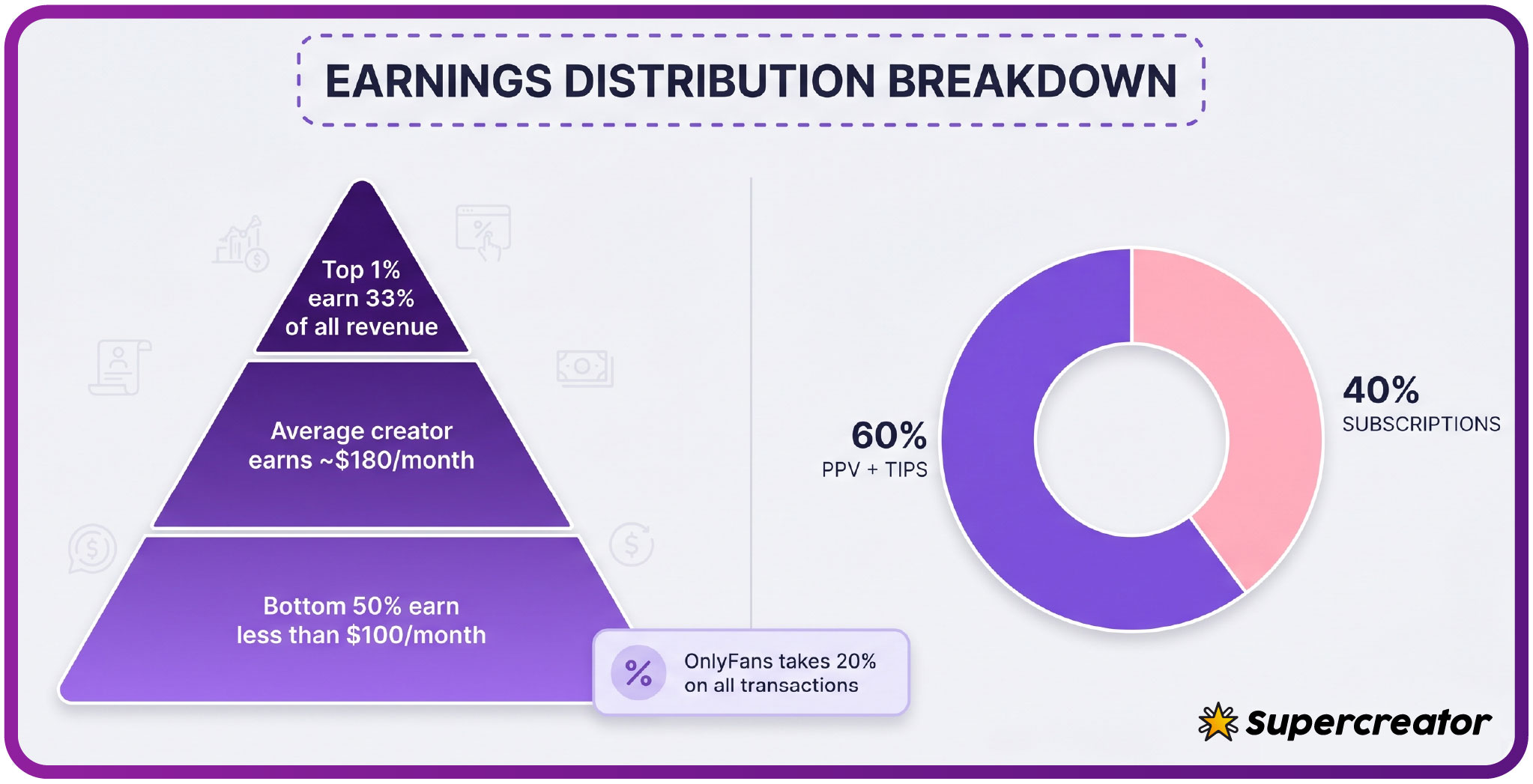
The old rate is gone, so the question is whether the new rate buys enough to justify the change. The platform fee remains 20% on everything, and the creator keeps 80%, so a higher sticker price does not mean the creator sees all of it.
- The percentage increase from your effective rate, not the sticker price alone.
- Content volume change over the period you actually subscribed.
- Whether the creator communicated anything about added value alongside the increase.
- Comparable pages still available at your original price point.
- The real budget impact of the new rate across a full year.
A page that moved from $5 to $25 is a different proposition, and the second case usually warrants letting the subscription lapse while you evaluate alternatives. Paid chat and PPV spending also belong in the calculation, because those costs sit outside the base subscription and often exceed it.
A simple yearly total makes the increase concrete rather than theoretical, and it forces the comparison against other pages competing for the same budget. If a creator raises prices without adding anything, the honest answer is often to let it go.
Platform Comparison: How Others Handle Changes
OnlyFans is unusually rigid here, and the contrast with rival platforms explains why subscribers expect different behaviour.
- Fansly leaves grandfathering to the creator, who can choose to hold existing subscribers at the old rate.
- Patreon typically honours existing tiers until the subscriber changes or cancels, so the old amount persists for a while.
- OnlyFans has no grandfathering mechanism and always cancels auto-renewal when the price increases.
The practical result is that a subscriber moving between platforms has to relearn the rules each time. Grandfathered pricing is a creator choice on one platform, a default on another, and simply unavailable on OnlyFans.

Understanding the mechanics also helps when comparing creators. Readers hunting for value often search for the best onlyfans brunette pages, but the price behaviour of a page matters as much as its content. A cheaper subscription that renews predictably is often worth more than a premium page that changes terms every quarter.
Payment handling is another variable. Card verification places a temporary $0.10 hold that is refunded within days, and that is separate from any subscription charge. If a charge looks unfamiliar, verify it against your subscription list before assuming it is fraudulent.
FAQ
Will I be charged the new price automatically if I do nothing?
A price increase cancels the recurring charge, so doing nothing ends the subscription at the close of the period you already paid for.
Can I keep my old price by contacting support?
No. There is no grandfathering mechanism, and support cannot reinstate a rate the creator has changed. Your only options are resubscribing at the current price or letting the subscription lapse.
What happens if a creator lowers their price—does my auto-renewal resume?
It does not resume automatically. The new lower price then applies from your resubscribe date, and your billing cycle anchors to that day.
How do I know if my auto-renewal is still active?
Check your subscription list rather than assuming. The entry disappears or shows as inactive when the recurring charge has been cancelled, and the creator’s page will show the current price you would pay on a fresh subscription.